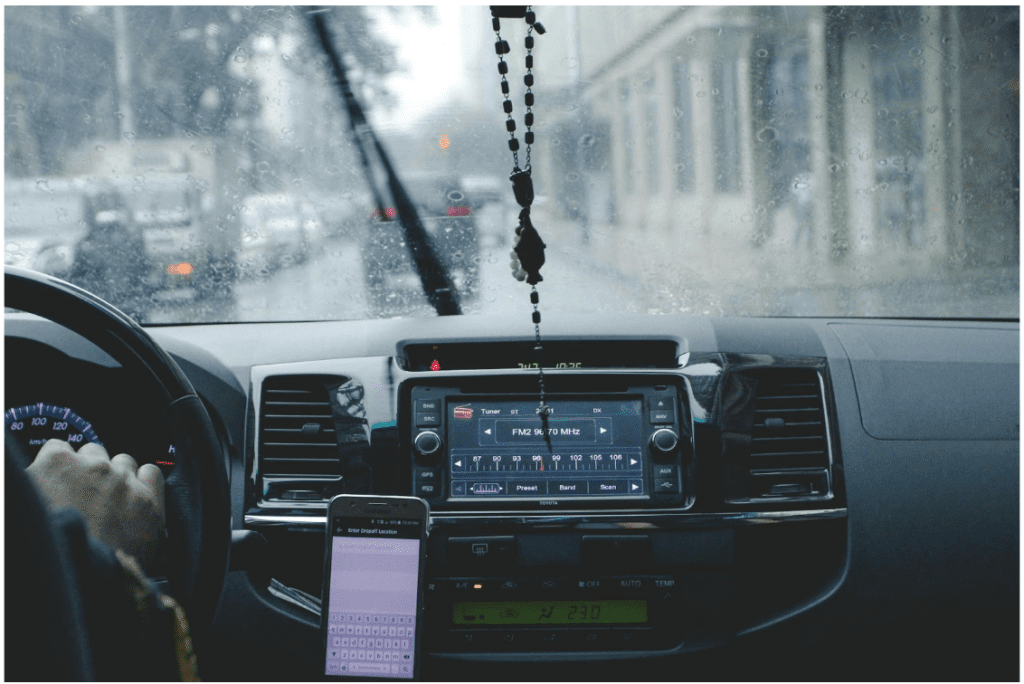
Smartphones: blessing or curse on the road? Depends who’s asking. They can distract, sure—buzzing, pinging, glowing in the corner of your eye. But they can also protect. A paradox in your pocket.
A driving app today does more than just give directions. Some track your driving behavior. Others alert emergency contacts in case of a crash. A few help avoid traffic, spot speed traps, or suggest fuel-efficient routes. And then, silently in the background, many of them collect data.
Yes, data. Your speed, your location, your habits behind the wheel—these are gold mines. But are you in control of them?
Why We Need Safe Driving Apps (And What They Actually Do)
Let’s not kid ourselves—human error causes more than 90% of road accidents, according to the National Highway Traffic Safety Administration. That’s right. Ninety. Percent.
Safe driving apps aim to bridge that gap between your reflexes and reality. How?
- Monitoring: They record acceleration, braking patterns, swerving, and phone use.
- Feedback: Most apps rate your trips. You get a score. Like a game—except the prize is survival.
- Coaching: Some go further, offering tips based on your weaknesses. Took a turn too sharp? You’ll hear about it.
- Rewards: Others partner with insurers or brands to offer perks for good behavior.
Apps like Life360, DriveSafe.ly, EverDrive, or SmartDrive aren’t just about maps or music. They’re behavioral nudgers. Some even detect crashes and send help automatically.
But there’s a catch.
Data: The Passenger You Didn’t Invite
You’re using a driving app. You’re safer, maybe. But at what cost?
Let’s talk numbers. According to a 2024 Consumer Reports study, 63% of driving apps share user data with third-party companies—many without users fully realizing it. The permissions are in the fine print. And how often do you read those?
- Location history?
- Contacts?
- Microphone access?
- Accelerometer usage?
- Even app usage patterns?
All of this can be packaged, sold, analyzed, and… who knows what next. Also, data can simply leak when you connect to public Wi-Fi networks or as a result of phishing. A simple solution is to use the best iOS VPN. There are many decent VPN apps for iPhone, but if you want advice, try VeePN. This VPN for iOS can protect your data from leaks, hacker attacks, device and account hacking.
Trust but Verify: Protecting Your Privacy on the Go
So how do you protect your personal data while still reaping the benefits of a smart app for driving? A few pointers—not commandments, but close.
- Choose Reputable Apps
Stick with driving apps that are transparent about privacy. Look for ones with high ratings, clear privacy policies, and minimal permissions. If an app asks for access to your camera when it’s only tracking driving habits? Red flag. - Use Guest Modes or Privacy Settings
Apps like Google Maps and Waze allow some privacy toggles. Use them. Turn off personalized ads. Disable unnecessary background data collection. - Read the Permissions
Don’t just tap “Accept.” Ask: Why does a safe driving app need my microphone? Does it need to run all the time? - Update Regularly
Updates often fix security holes. Delay, and you’re a target. Simple. - Use Encrypted Networks When Possible
If your app uploads data, do it over secure Wi-Fi, not open public networks. Or better yet, enable mobile encryption where available.
Who Benefits from Your Data?
Insurance companies love safe driving apps. Why? Because they get access to juicy data – how fast you go, how often you brake, whether you text while driving. This info lets them offer “usage-based insurance,” or UBI. Do you drive safely? You pay less. (Supposedly.)
But this model has pitfalls. Drive late at night? Penalized. Live in a high-traffic zip code? Penalized. Accelerate quickly, even for safety? Penalized.
Data doesn’t always equal context. And without context, your “score” may not be fair.
An App Isn’t a Seatbelt (But It Can Help)
Let’s not pretend technology alone will save you. A driving app can help—but it’s not magic. It can’t keep your eyes on the road. It can’t make your reflexes sharper. It can’t override poor judgment.
But it can be a reminder. Nudge. Reward. Alert.
Consider this: A 2023 survey by the Insurance Research Council showed that users of behavior-based driving apps reduced risky driving habits by 29% over six months. That’s not just a stat. That’s fewer hospital visits. Fewer “sorry” calls. Fewer funerals.
Top Apps Worth Exploring (With Caution)
A brief tour—not endorsements, but jumping-off points:
- EverDrive: Tracks acceleration, speed, cornering, and phone use. Offers performance scores and comparisons.
- Life360 Driver Protect: Crash detection, roadside assistance, driving behavior reports. Great for families.
- Drivemode: Focuses on reducing distractions—voice commands, simplified UI.
- OnMyWay: Pays you for not texting and driving. Yes, really.
Each offers something useful—but remember: convenience often trades hands with privacy.
Final Thoughts: The New Copilot
We’re entering a phase where your phone isn’t just a phone—it’s a co-pilot. A critic. A silent observer riding shotgun, watching how you brake, when you text, where you go.
And if you let it, it might just save your life.
Just be sure it doesn’t sell it too.
Your data, that is.
Because while safe driving apps make roads safer, the question of data safety lingers like fog on a windshield—always there, slightly obscuring what should be clear.
So, stay sharp. Choose wisely. Drive safe—and stay private.